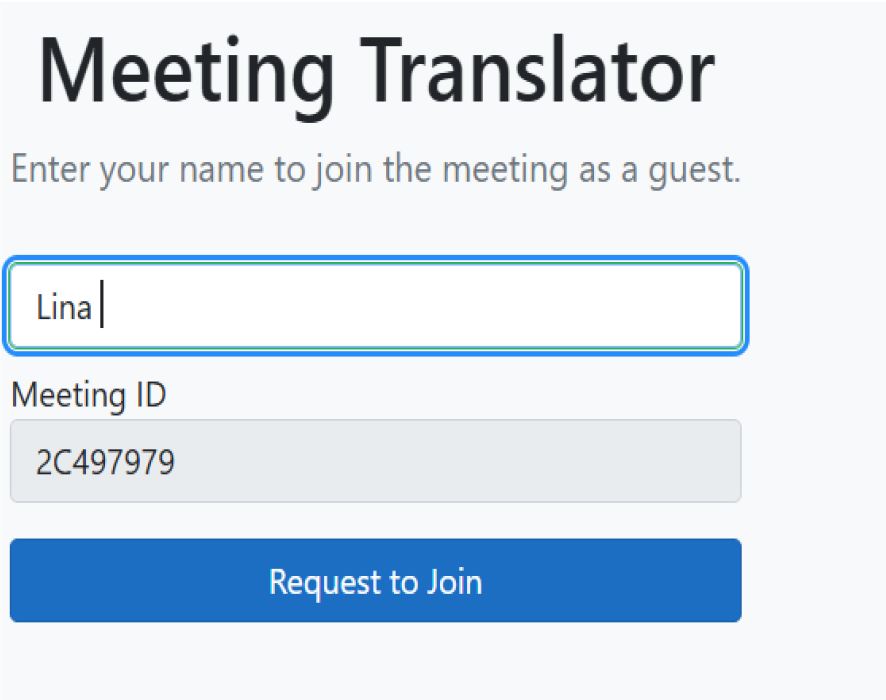
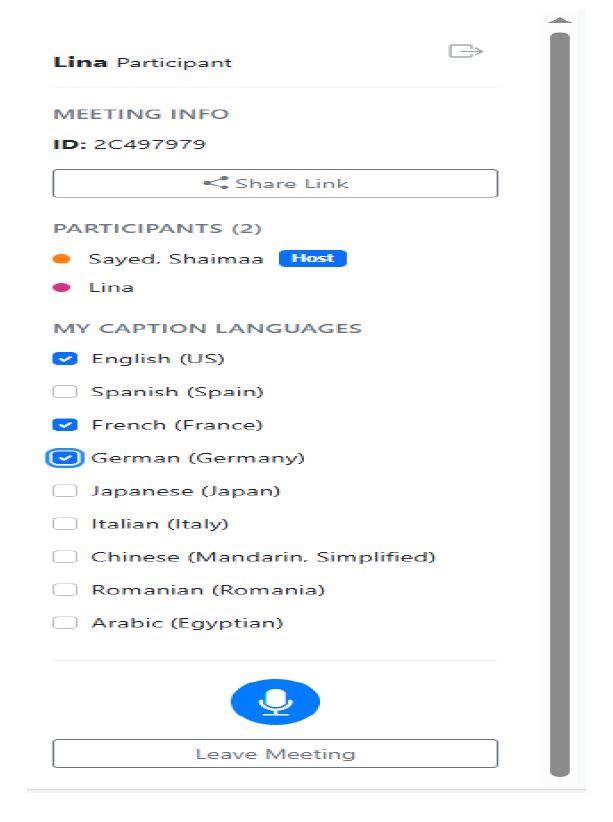
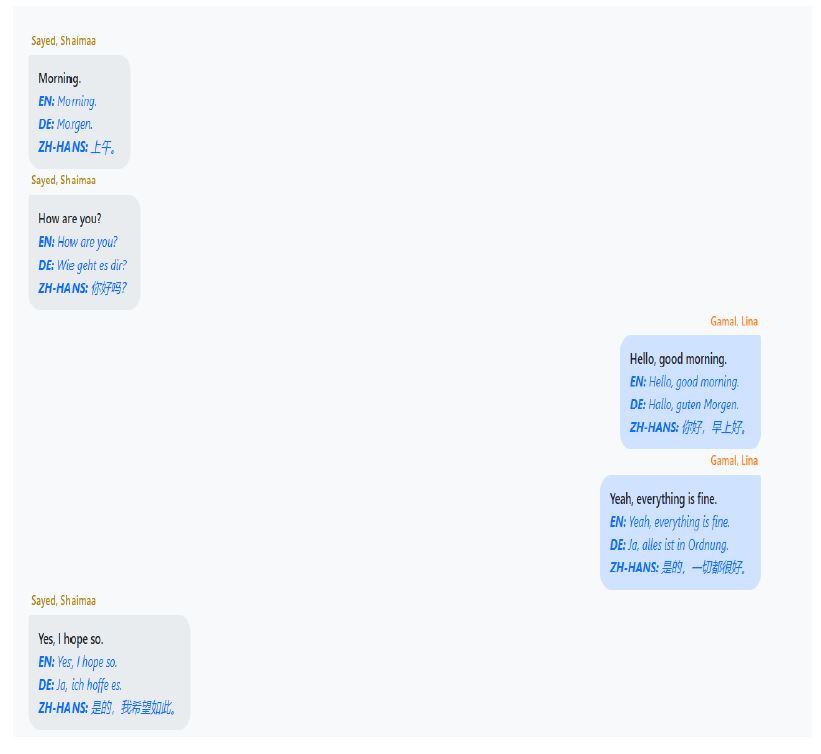
Live AI Translator Communicate across languages, instantly. Choose your translation mode below. Live Translator Translate your own speech in a one-on-one conversation mode. Go to Translator Meeting Mode Join or start a multi-language meeting with live, translated captions for all participants. Start a Meeting
 Live AI Translator
Live AI Translator
Live AI Translator